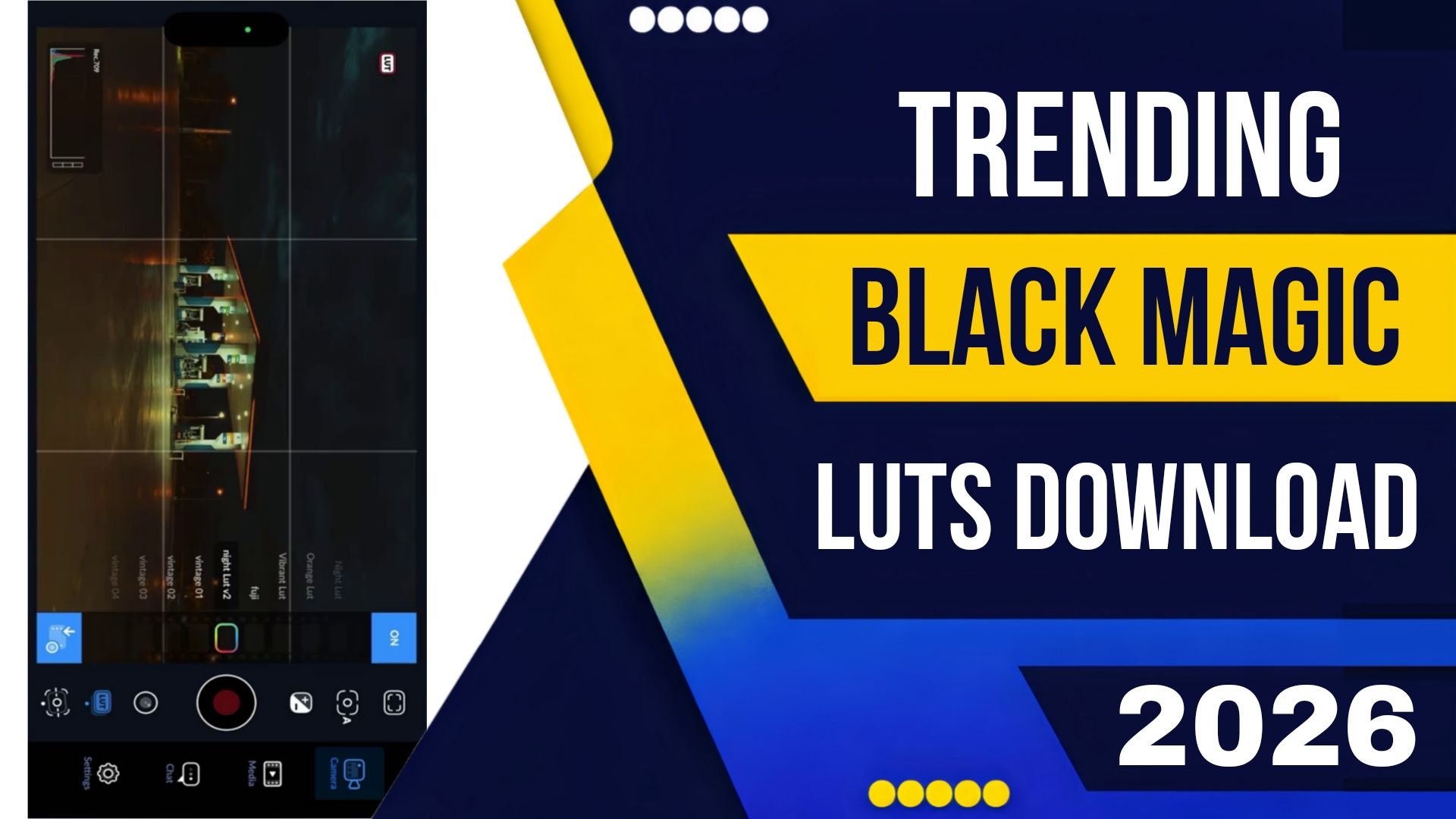
Trending Blackmagic Lut Free Download 2026
In the world of video production, color is currency. The difference between a home video and a professional commercial often comes down to the color grade. And when it comes to the “film look,” no name carries more weight than Blackmagic Design. The iconic color science of cameras like the Pocket Cinema Camera 4K, 6K, and the new URSA Cine 12K has become the gold standard for independent filmmakers and Hollywood professionals alike.
However, not everyone can afford to shoot on a Blackmagic camera. This is where the magic of LUTs (Look Up Tables) comes in. In 2026, the demand for that specific “Blackmagic Look”—the rich skin tones, the organic roll-off in highlights, and the deep, clean shadows—has skyrocketed.
If you have been searching for a Trending Blackmagic Lut Free Download 2026, you are likely looking to infuse your footage (shot on a Sony, Canon, or even an iPhone) with that high-end cinematic texture. But beware: the internet is filled with outdated LUTs and malware-ridden zip files. This guide will show you where to find the safest, most accurate, and trendiest Blackmagic LUTs available for free this year, and how to apply them like a pro.
Why Blackmagic LUTs are Trending in 2026
To understand the hype, we need to look at the current state of camera technology. In 2026, mirrorless cameras from Sony and Canon have incredible resolution, but their internal color science can often look too “clinical” or “video-ish.” Filmmakers crave the organic, filmic texture of Blackmagic’s Gen 5 and the newly released Gen 6 Color Science.
Trending Blackmagic Lut Free Download 2026 searches have spiked for three reasons:
-
The “BMD Look” is Aspirational: Blackmagic footage has a unique way of handling skin tones. It retains a natural, almost creamy texture that is difficult to replicate manually.
-
Cost Efficiency: Professionals are using multiple camera types on set. Applying a Blackmagic LUT to a B-camera (like a Sony FX6) helps match it seamlessly to the A-camera (the Blackmagic).
-
Social Media Trends: The “cinematic vlog” trend on YouTube and TikTok demands high production value. Creators are using these LUTs to make their travel and lifestyle content look like movie trailers.
What Makes a “Blackmagic” LUT?
Before you click that download button, it is crucial to know what you are actually looking for. A true Blackmagic-inspired LUT typically emulates the characteristics of converting Blackmagic RAW footage into the Rec.709 color space, or applies a specific film print emulation on top of that.
The trending LUTs of 2026 focus on:
-
Teal and Orange with a Twist: The classic blockbuster look, but with softer pastels.
-
Copper Tones: A signature of Gen 5 color science, where skin tones lean slightly copper/warm without becoming orange.
-
Highlight Roll-Off: The way highlights transition to white is smooth and graceful, not harsh and clipped.
Where to Find Safe, Trending Blackmagic LUTs for Free in 2026
The golden rule of downloading LUTs: Avoid sketchy torrent sites. They are often packed with malware. Instead, rely on community-trusted platforms and official giveaways. Here are the best sources for a Trending Blackmagic Lut Free Download 2026.
1. The Official Blackmagic Design Resource Page
Yes, the source itself. Blackmagic Design frequently releases free LUTs for their own cameras, but these are often usable in any software (like Premiere Pro, Final Cut, or DaVinci Resolve).
-
What to download: Look for the “Blackmagic Micro Panel LUTs” or the “Film to Video LUTs” in the support section of their website. While designed for their hardware, these LUTs are incredible for giving any footage that “BMD Look.”
-
Why it’s safe: It’s directly from the manufacturer. No viruses, no copyright issues.
2. The DaVinci Resolve Forums (The BMD Community)
The official Blackmagic Design forums are a goldmine. In the “LUTs and Looks” section, professional colorists often share free LUT packs they’ve created to mimic the latest Gen 6 color science.
-
Search Tip: Look for threads titled “Free Gen 5 Emulation LUTs” or “URSA Cine Look 2026.”
-
Safety Check: While the forum is moderated, always scan any downloaded .cube file with a virus scanner. (Note: .cube files are text-based and generally safe, but they can sometimes be bundled in archives that contain malicious scripts).
3. Pulpix and Mixing Light (Free Samplers)
High-end educational sites like Pulpix and Mixing Light often release “sample packs” to attract new members. In 2026, these samples are often the most trending and professional-grade LUTs available.
-
The Strategy: Sign up for newsletters from these sites. They frequently offer a Trending Blackmagic Lut Free Download 2026 as a lead magnet for their email lists. These are curated by professional colorists and are usually emulations of specific film stocks printed with Blackmagic’s color science.
4. Ground Control Color (Free Cube Drop)
Ground Control is a major player in the LUT industry. They routinely release “Free Cube Drops” on their social media (Instagram and YouTube). In early 2026, they released a pack specifically designed to emulate the “Blackmagic Pocket Cinema Camera 6K G2” look for Sony and Canon shooters.
-
How to get it: Follow them on social media; the link is usually in their bio for a limited time.
5. GitHub Repositories
Believe it or not, GitHub has become a hub for open-source color grading resources. Developers and color scientists share LUTs that mathematically convert Log profiles to mimic Blackmagic’s ARRI-esque color matrix.
-
Search Query: Use terms like “Blackmagic Gen 5 LUT cube” or “BMD to Rec709.”
-
Caution: While GitHub is generally safe, only download from repositories with high stars and recent commit history.
How to Install and Use Your Blackmagic LUTs
Once you have secured your Trending Blackmagic Lut Free Download 2026, you need to apply it correctly to avoid destroying your image.
For Premiere Pro (2026 Version)
-
Go to your Creative Cloud Libraries panel.
-
Click “Add LUTs” and import your .cube files.
-
Apply the LUT via the Lumetri Color panel > Basic Correction > Input LUT.
-
Pro Tip: Apply the LUT to an Adjustment Layer above your clips for easy editing.
For DaVinci Resolve (The Best Option)
DaVinci Resolve is Blackmagic’s own software, making it the ideal place to use these LUTs.
-
Open Project Settings > Color Management > Lookup Tables.
-
Click “Open LUT Folder” and paste your new .cube files there.
-
Update the list, then right-click on any clip > LUTs > your new LUT.
-
Pro Tip: Use the LUT at the end of your node tree (the last node) to act as a “print emulation” or “display render.”
The Trending Styles of 2026
If you are browsing for free downloads, here are the specific style names to look for, as they represent the trending aesthetics of the year:
-
“BMD Vintage Chrome”: A look that mimics old Kodakchrome film but with the stability of modern digital. Slightly faded blacks and warm highlights.
-
“Copper & Teal (Gen 6): The evolution of the teal and orange look. Skin tones are coppery, while shadows are a deep, muted teal.
-
“Soft Glow Blackmagic”: These LUTs come paired with a slight diffusion emulation, perfect for beauty and fashion work.
-
“Midnight URSA”: Designed for low-light scenes, these LUTs keep shadows clean and push blues into a rich, indigo range.
A Word of Caution: LUTs are Not Magic Bullets
While finding a Trending Blackmagic Lut Free Download 2026 can transform your footage, remember that LUTs work best on footage that is properly exposed and color-balanced.
-
Normalize First: Always correct your white balance and exposure before applying a creative LUT. If you apply a creative LUT to a poorly exposed clip, you will amplify the errors.
-
Dial It Back: Most professional colorists apply LUTs at 50-80% opacity. In Premiere, lower the “Intensity” slider. In Resolve, use the Key Output slider on the node. This prevents the look from becoming overwhelming.
Conclusion
The quest for the perfect cinematic image is an ongoing journey, but the right tools make all the difference. By securing a safe, high-quality Trending Blackmagic Lut Free Download 2026, you are arming yourself with the color science that powers the world’s most beloved digital cinema cameras.
Whether you find your LUTs on the official Blackmagic forums, through a professional colorist’s newsletter, or via a trusted GitHub repository, you are now equipped to give your footage that coveted “Hollywood” feel. Download responsibly, experiment boldly, and watch your videos transform from simple recordings into cinematic stories.
Android App
iPhone App
Luts