I Tried 200+ AI Logo Prompts So You Don’t Have To — Here’s What Actually Works
Everyone is talking about AI-generated logos. But after testing hundreds of prompts across multiple AI tools, I realized something quickly: most prompts fail badly. The difference between a terrible AI logo and a genuinely usable one comes down to prompt structure, visual direction, and understanding how these models actually interpret design language.
It started with a simple side project.
A friend asked me to create a logo for his small coffee subscription business nothing overly complicated, just a clean, modern identity he could use on his Shopify store. Instead of opening Illustrator immediately, I decided to test the growing hype around AI logo generators.
Three frustrating hours later, I finally produced something usable.
What surprised me most wasn’t the final result it was how misleading most tutorials about AI logo design were. I went through dozens of failed prompts that generated distorted typography, generic stock-style icons, chaotic layouts, and visuals that looked nothing like professional branding.
Since then, I’ve spent months experimenting with tools like Midjourney, DALL·E 3, Adobe Firefly, Ideogram, Looka, and several newer AI platforms focused specifically on logo generation.
This article isn’t another generic “best AI prompts” list. It’s a practical breakdown of what actually works in real-world logo workflows.
“The biggest mistake people make is treating an AI logo prompt like a Google search.”
Why Most AI Logo Prompts Fail
If you’ve ever typed something like:
“minimal modern coffee logo”
into an AI generator and received disappointing results, you’re not alone.
The issue is simple: those prompts are far too abstract.
Words like modern, clean, or professional are interpreted differently by every model. “Modern” could mean:
- Swiss minimalist design
- Y2K chrome aesthetics
- Futuristic cyberpunk branding
- Flat SaaS startup icons
- Bauhaus geometry
Without precise visual direction, the AI has to guess and the result usually becomes an average of thousands of unrelated references.
After testing more than 200 prompts, I noticed that the strongest AI logo generations consistently included three things:
- A clear brand context
- A specific visual mark or symbol
- A defined design style or aesthetic system
That combination dramatically improved the quality and consistency of results.
The Anatomy of a Strong AI Logo Prompt
Over time, I developed a framework that significantly reduced failed generations and improved usable outputs.
1. Brand Name + Industry
Always give the AI context.
Instead of:
“mental health logo”
write:
“A logo for Heron, a mental health journaling app.”
This immediately gives the model meaning and direction.
2. Define the Actual Mark
Describe the shape or symbol clearly.
Weak prompt:
“bird logo”
Strong prompt:
“a minimal single-line heron in flight”
The more specific the visual concept, the better the result.
3. Reference a Real Design Style
AI models respond surprisingly well to established visual movements.
Examples:
- Swiss International Style
- Bauhaus
- Art Deco
- Japanese Enso
- Mid-century Americana
- Brutalism
- Retro athletic badge design
These styles contain embedded visual rules that help guide the AI more effectively.
4. Specify Color Direction
Avoid vague wording like:
“nice colors”
Instead use:
“deep navy and muted sage green”
Natural language color descriptions work far better than raw HEX codes.
5. Always Control the Rendering Style
This step alone improved my results massively.
Add instructions like:
- isolated on white background
- flat vector style
- no gradients
- no drop shadows
- clean geometry
- scalable branding design
Without these, many AI tools generate overly detailed, impractical artwork that cannot function as a real logo.
Example of a High-Quality AI Logo Prompt
Here’s one of the prompts that produced genuinely professional results:
Create a minimal logo for “Heron” a mental health journaling app. The mark is a single continuous line drawing of a heron standing still, rendered in Swiss International Style. Two-color palette using deep navy and muted sage green. Clean flat vector design, isolated on white background, no gradients, no shadows, no text.
That single prompt generated two concepts I could realistically refine into final brand assets.
That never happened when I used prompts like:
“modern minimalist bird logo”
The Best AI Logo Tools in 2026
After testing multiple platforms, here’s my honest breakdown.
Midjourney v6
Still the strongest tool for visual creativity and premium aesthetics.
Best For:
- Concept exploration
- Abstract marks
- Experimental styles
- Luxury branding
Weakness:
Needs highly structured prompts to avoid cluttered results.
Ideogram 2.0
Currently the best AI tool for text rendering inside logos.
Best For:
- Lettermarks
- Typography-heavy logos
- Wordmarks
- Branding concepts with readable text
Adobe Firefly
More controlled and commercially safe.
Best For:
- Client work
- Clean corporate branding
- Easy refinement workflows
Less creative than Midjourney, but far more practical.
Looka & Brandmark
Fast logo-generation platforms built specifically for non-designers.
Best For:
- Quick concepts
- Startup branding
- Basic client drafts
Weakness:
Limited creative depth and originality.
The Workflow That Actually Works
After months of testing, this became my standard process:
Step 1:
Generate visual concepts in Midjourney or Ideogram.
Step 2:
Select the strongest direction.
Step 3:
Import into Illustrator.
Step 4:
Refine, vectorize, balance spacing, and rebuild typography manually.
Pure AI-to-final-logo workflows still aren’t fully reliable for professional branding.
AI gets you roughly 60–70% there.
Human judgment finishes the job.
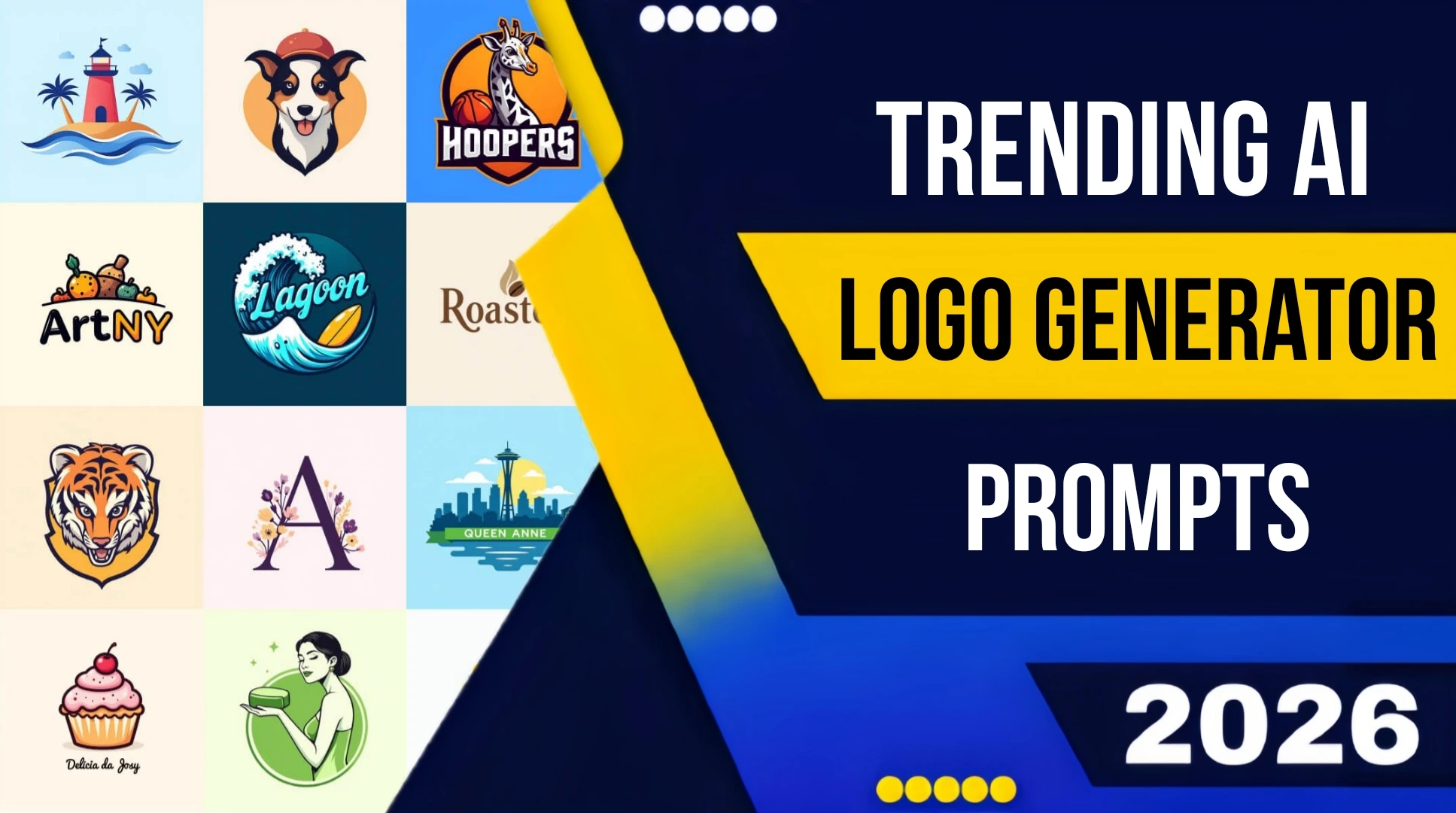
Trending AI Logo Styles Right Now
Certain AI-generated logo aesthetics are dominating design communities right now.
1. Retro Athletic Badges
Inspired by 1970s American sports branding.
Prompt Style:
vintage athletic badge, 1970s sports logo, limited color palette, letterpress texture
Perfect for:
- Coffee brands
- Clothing labels
- Food startups
2. Deconstructed Geometric Marks
Editorial-style logos with offset grids and fragmented geometry.
Prompt Style:
deconstructed geometric symbol, asymmetric grid, inspired by Neville Brody
Popular in:
- Tech brands
- Creative studios
- AI startups
3. Japanese Minimalism
Heavy use of negative space and brush-inspired forms.
Prompt Style:
Enso-inspired circular mark, single brushstroke geometry, asymmetric minimalism
One of the cleanest modern aesthetics when executed correctly.
4. Dense Vintage Badge Systems
Highly detailed circular emblems with layered typography.
Prompt Style:
ornate craft beer badge logo, vintage etching aesthetic, detailed border illustration
Currently trending in:
- Craft beverage branding
- Indie food companies
- Heritage-style products
Common AI Logo Prompt Mistakes
Here are the biggest errors I repeatedly made and still see everywhere online.
Mistake #1: Using Only Vibe Words
Words like:
- innovative
- trustworthy
- premium
- modern
are branding concepts, not visual instructions.
Translate emotions into actual design language.
Example:
- trustworthy → balanced symmetry
- innovative → asymmetric geometry
- approachable → rounded corners and warm tones
Mistake #2: Expecting Accurate HEX Colors
AI image models do not interpret HEX values precisely.
Instead of:
#C4683A
write:
muted terracotta clay tone
Results become much more consistent.
Mistake #3: Asking Midjourney for Perfect Typography
Midjourney still struggles with readable text.
If typography matters:
- use Ideogram
- or add text manually afterward
Mistake #4: Accepting the First Good Result
The first decent image is not the final logo.
Generate:
- variations
- refinements
- alternate compositions
- simplified versions
Iteration is everything.
A Real Client Example
I recently designed branding for a pottery studio called Fieldstone.
The owner wanted something handmade, earthy, and minimal.
First Prompt
minimalist pottery logo, earthy aesthetic
Result:
A generic pebble icon with forgettable typography.
Revised Prompt
Minimal abstract logo for “Fieldstone” pottery studio. Geometric clay-inspired form drawn with rough ink edges, Bauhaus influence, single dark charcoal color, handmade texture, flat vector style, isolated on white background, no gradients, no shadows, no text.
The difference was dramatic.
Three of the four generated concepts were genuinely usable. One became the final logo after refinement in Illustrator.
That experience completely changed how I approach AI logo prompting.
Where AI Logo Design Is Headed
A lot of designers worry that AI tools will replace logo designers completely.
From my experience, the reality is more nuanced.
Low-cost commodity logo work is absolutely being disrupted.
But real branding still requires:
- strategy
- taste
- positioning
- client communication
- visual judgment
- system thinking
AI cannot understand brand context the way human designers can.
It can generate ideas.
It cannot build meaningful identity systems on its own.
The designers thriving right now are the ones treating AI as a creative accelerator — not a replacement.
“AI works best as a sketch partner, not as a finished designer.”
Conclusion
If there’s one lesson I learned after testing hundreds of prompts, it’s this:
Stop searching for the “perfect AI prompt.”
Instead, focus on building your visual vocabulary.
The best prompts come from understanding:
- design systems
- composition
- symbolism
- visual movements
- typography
- branding psychology
AI rewards specificity.
The more clearly you describe what you want visually, the better your results become.
And honestly?
Experimenting with bad prompts is part of the process.
Some of the best results I ever generated came right after complete failures.
So keep iterating.
The good outputs are usually just a few prompts away.