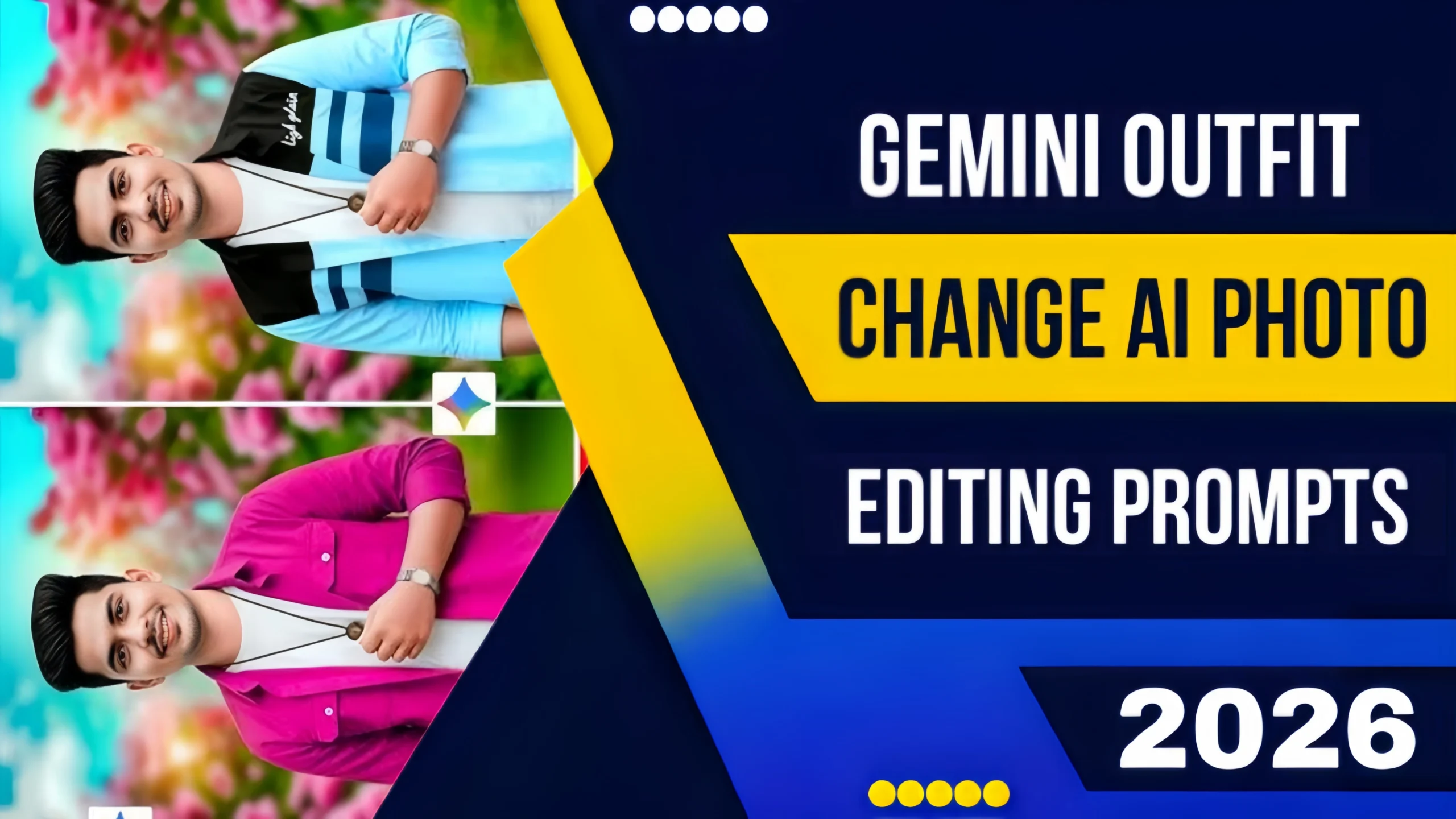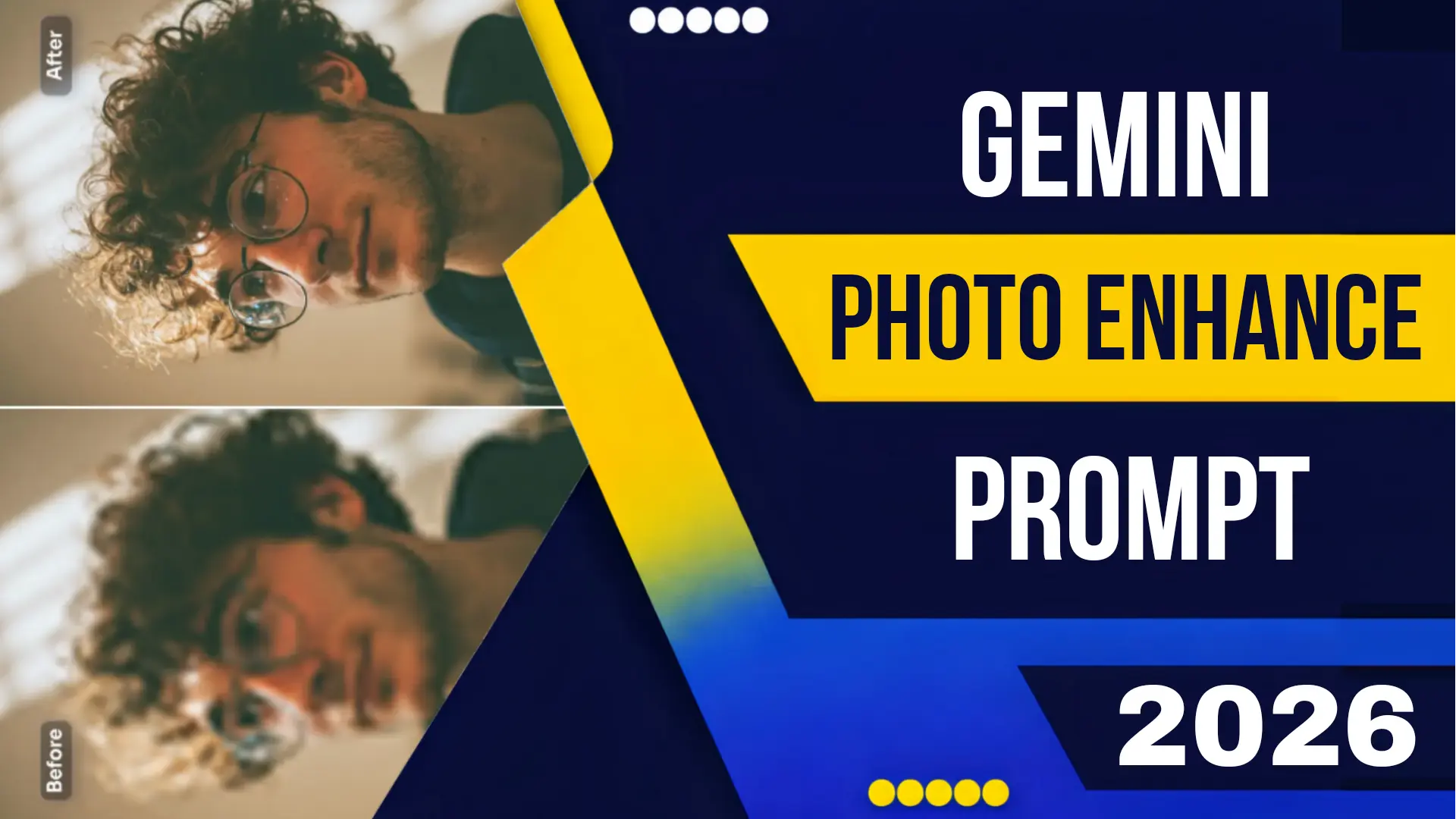
Gemini Photo Enhance Prompt in 2026
Google’s Gemini stands as a colossus. While much of the conversation around large language models focuses on text generation and reasoning, the 2026 updates to the Gemini platform have quietly revolutionized a critical creative task: photo enhancement.
Gone are the days when “enhancing” a photo meant sliding a sharpness bar to the right or applying a grainy filter to hide noise. In 2026, the Gemini Photo Enhance Prompt is a sophisticated command that leverages multimodal understanding, generative fill, and real-time physics simulation to breathe new life into your images.
Whether you are a professional photographer looking to salvage an underexposed shot, a marketer needing to polish product images, or simply someone wanting to make old family photos sparkle, understanding how to communicate with Gemini is the key to unlocking results that were previously impossible.
What is Gemini Photo Enhancement?
First, it’s crucial to understand what Gemini is and isn’t. Unlike specialized photo editors like Lightroom or standalone image generators like Midjourney, Gemini is a multimodal AI. In 2026, the flagship model, Gemini Ultra 2.0, can see, hear, read, and generate all within the same context.
When you use a Gemini Photo Enhance Prompt, you are not just applying a filter. You are engaging in a collaborative dialogue with an AI that understands the content of your image. It recognizes that a blurry object in the background is a cat, not just a smudge of pixels. It understands that the dark shadow on a face is caused by a hat, not a sensor error. This contextual awareness allows for enhancements that are intelligent, not just algorithmic.
The Core Capabilities: What “Enhance” Means in 2026
A “photo enhance” prompt in Gemini can trigger a variety of complex actions:
-
Resolution and Clarity (Super-Resolution): Gemini can upscale images intelligently, adding detail that wasn’t originally there by predicting what should exist based on the context.
-
Lighting Reconstruction: You can ask Gemini to change the time of day or the light source in a photo.
-
Noise Reduction with Detail Preservation: Unlike traditional denoising that smooths everything into a waxy texture, Gemini distinguishes between noise (grain) and texture (skin pores, fabric weave) and removes only the former.
-
Colorization and Restoration: For black and white or faded photos, Gemini can add accurate, period-appropriate color by understanding the objects in the scene (e.g., knowing that grass is green and the sky is blue).
-
Object Removal and Repair: Seamlessly remove photobombers, trash cans, or blemishes by simply describing what you want gone.
How to Craft the Perfect Gemini Photo Enhance Prompt
The magic lies in the prompt engineering. A generic prompt like “enhance this photo” will yield a generic result. To achieve a professional, high-quality output, you need to be specific. Here is the anatomy of a perfect Gemini Photo Enhance Prompt 2026.
The Formula: [Action] + [Subject] + [Desired Outcome] + [Technical Constraint] + [Style Reference]
Let’s break this down with examples.
Example 1: The Portrait Rescue
-
Bad Prompt: “Make this photo better.”
-
Good Prompt: “Gemini, enhance this photo by focusing on the subject’s face. Reduce the digital noise in the shadows, sharpen the eyes slightly without making them look artificial, and subtly brighten the skin tones to look natural and healthy. Preserve the original depth of field (background blur). Output as a high-resolution JPEG suitable for printing.”
Why it works: You have specified the subject (face), the desired outcome (less noise, sharper eyes, brighter skin), and a technical constraint (preserve depth of field). Gemini knows not to flatten the background.
Example 2: The Landscape Revival
-
Bad Prompt: “Make the colors pop.”
-
Good Prompt: “Analyze this landscape photo. The sky looks washed out. Enhance the dynamic range by bringing back detail in the clouds (highlights) and opening up the shadows in the forest foreground. Increase the saturation of the greens and blues selectively, aiming for a ‘vibrant but natural’ look, similar to Velvia film stock. Remove the faint lens flare in the top right corner.”
Why it works: You are acting as a director. You’ve identified the problem (washed-out sky, dark shadows) and provided a stylistic goal (Velvia film). The AI understands the reference and applies the grade accordingly.
Example 3: The Old Photo Restoration
-
Bad Prompt: “Fix this old picture.”
-
Good Prompt: “This is a scanned black and white photo from 1950. First, repair all physical damage: remove the crease lines running through the center, fill in the missing corner with contextually appropriate background, and eliminate the white dust spots. Then, colorize the photo accurately. The woman is wearing a red dress typical of the era, and the car in the background is a teal green 1948 Chevrolet. The children have fair skin and brown hair. Add a subtle, modern noise reduction to the final image.”
Why it works: You are providing historical and contextual data that Gemini cannot infer on its own. Telling it the specific colors of the dress and car ensures the colorization is accurate, not just a generic guess.
Advanced Techniques: Multi-Step Enhancement
Sometimes, the best results come from a conversation. In 2026, Gemini’s memory allows for multi-turn editing. Here is an advanced workflow for Gemini Photo Enhance Prompt mastery.
Step 1: The Global Fix
User: “Gemini, analyze this photo and perform a base enhancement. Correct the white balance, optimize exposure, and apply lens distortion correction.”
Gemini: “Done. I’ve balanced the image. I noticed the highlights on the building are slightly blown out. I’ve recovered some detail there.”
Step 2: The Selective Mask
User: “Great. Now, select only the person standing in the middle. Enhance the texture of their jacket it looks a bit plastic. Add a catch light to their eyes to make them look more engaged.”
Gemini: “I’ve isolated the subject. I’ve enhanced the fabric texture of the jacket and added a subtle, natural catch light to both eyes.”
Step 3: The Generative Fill
User: “Perfect. The background is boring. Extend the canvas on the left side and generate a continuation of the city street scene. Add a few parked cars from the 1960s that match the architecture.”
Gemini: “Extended canvas and generated a period-appropriate street scene on the left. The lighting matches the original.”
This conversational workflow is the ultimate expression of the Gemini Photo Enhance Prompt in 2026. You are no longer a technician; you are a director, and Gemini is your VFX team.
Gemini vs. Specialized Tools
Why use Gemini instead of Lightroom or Photoshop?
-
Context: Gemini understands that a blurry object is a specific thing. Photoshop sees pixels; Gemini sees a “golden retriever.”
-
Conversation: The ability to refine with natural language is infinitely faster than searching through menus.
-
Integration: Gemini is embedded everywhere Google Photos, Workspace, and even camera apps on the latest Android phones. Enhancement is often a background process, suggested by the AI before you even ask.
However, for pixel-level control over color grading curves or complex multi-layer composites, specialized tools still reign. The best workflow in 2026 is often hybrid: use Gemini for the heavy lifting of restoration and enhancement, then export to a tool like Photoshop or CapCut for final branding and text overlay.
The Future: Real-Time Enhancement
As we move through 2026, the next frontier is real-time enhancement. Gemini is already being integrated into live camera viewfinders. Imagine pointing your phone at a concert venue, and the AI prompts you: “I can enhance this shot to reduce the stage lighting glare and clarify the performer’s face. Apply?”
This real-time, proactive assistance will soon become the norm, making the question of How To Make High Quality Thumbnail With Ai or how to enhance a photo a seamless part of the capture process itself.
Conclusion
The Gemini Photo Enhance Prompt 2026 is your key to unlocking professional-grade image editing without years of technical training. By understanding the principles of specific, contextual prompting and leveraging Gemini’s multimodal intelligence, you can restore the past, perfect the present, and create images that truly stand out.
Whether you are enhancing a cherished family memory or optimizing product shots for a billion-dollar campaign, the power of Gemini is at your command. Speak clearly, be specific, and watch your pixels transform.