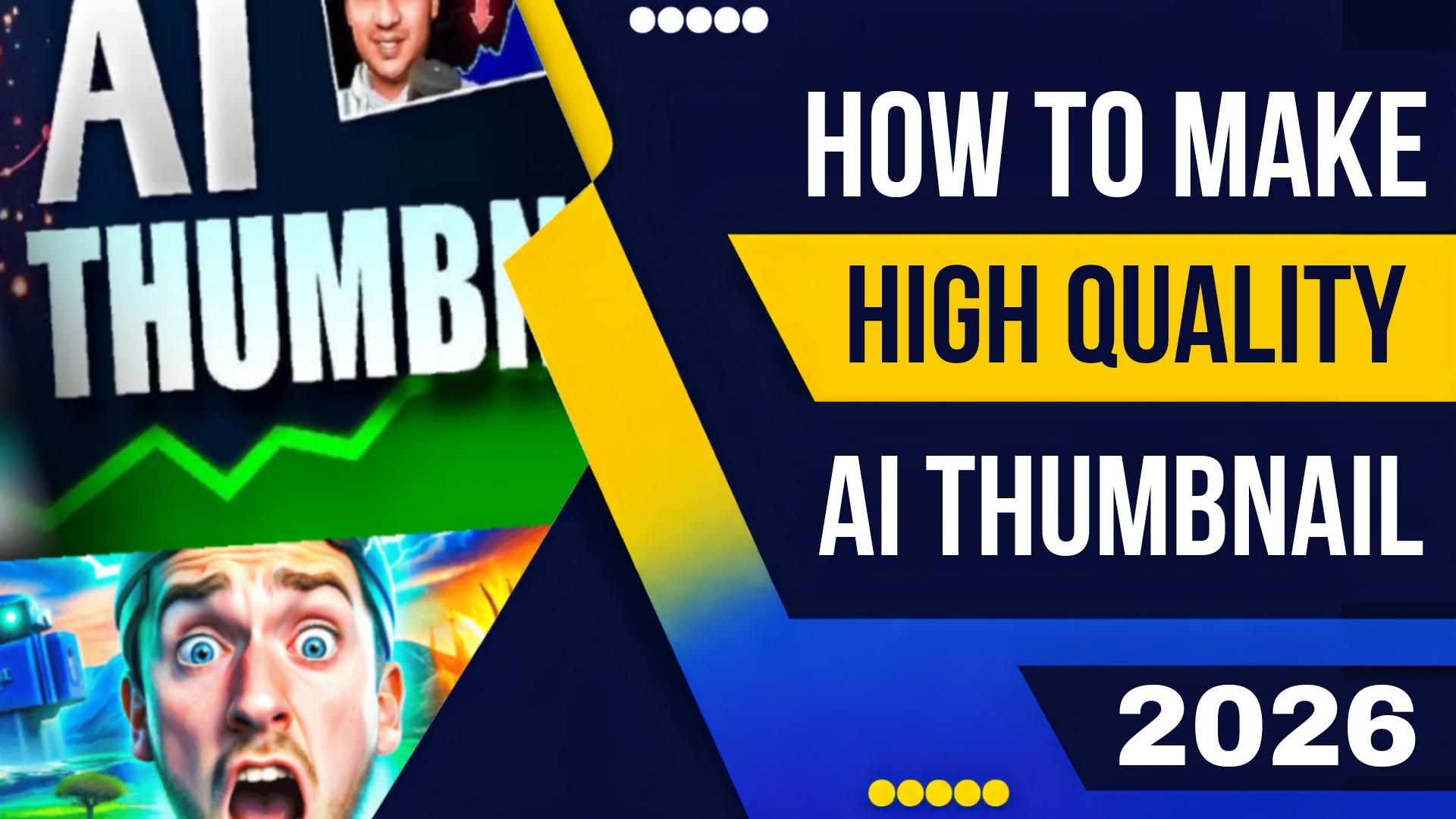
How To Make High Quality Thumbnail With Ai in 2026
Welcome to the era of AI-driven design. Learning How To Make High Quality Thumbnail With Ai is no longer a niche skill; it is a fundamental requirement for any serious content creator, marketer, or digital artist. In this guide, we will explore the cutting-edge tools and techniques of 2026 that allow you to generate click-worthy, high-converting thumbnails in minutes, not hours.
The Anatomy of a High-Quality Thumbnail in 2026
Before we dive into the “how,” we must define the “what.” What makes a thumbnail “high quality” in the current landscape?
-
Hyper-Realism or Stylized Art: There are two winning aesthetics. Either the thumbnail looks so real it could be a frame from the video (often enhanced with AI), or it embraces a stylized, illustrative quality that stands out in a sea of generic content.
-
Emotional Expression: The subject’s face must convey a clear, exaggerated emotion shock, excitement, curiosity. AI is now exceptionally good at generating and modifying facial expressions.
-
Perfect Composition: Rule of thirds, leading lines, and balanced negative space are non-negotiable.
-
Crisp Typography: Text must be bold, legible, and integrated seamlessly into the image, not just slapped on top.
-
Contextual Relevance: The thumbnail must accurately (or intriguingly) represent the video’s content.
AI tools in 2026 excel at all five of these elements, often combining them in a single workflow.
Why AI is the Ultimate Thumbnail Designer
The shift from manual editing to AI generation is driven by three core advantages:
-
Speed: What took 30 minutes in Photoshop now takes 30 seconds.
-
Ideation: AI can generate dozens of variations based on a single concept, allowing creators to A/B test thumbnails before the video even goes live.
-
Asset Generation: Need a specific prop, background, or lighting setup? You no longer need a stock photo site. You can generate it.
Top Tools: How To Make High Quality Thumbnail With Ai in 2026
Here are the leading platforms that are defining the thumbnail creation space this year.
1. Canva AI (Magic Studio Pro)
Canva has long been the democratizer of design. In 2026, its Magic Studio Pro suite is arguably the most accessible way to learn How To Make High Quality Thumbnail With Ai.
-
Key Feature: “Magic Thumbnail” You paste your video title or script into a text box. Canva analyzes the keywords and generates four distinct thumbnail concepts, complete with background images, a central character, and appropriately styled text. You can then tweak any element with simple text prompts.
-
Best For: Beginners and social media managers who need speed and brand consistency.
-
2026 Update: The “Mood Transfer” feature allows you to upload an image of your own face, and the AI will place you into the generated thumbnail with matching lighting and expression.
2. Adobe Photoshop with Firefly 4
For professionals who want pixel-perfect control combined with generative power, Photoshop remains the king. The integration of Firefly 4 in 2026 has turned it into a thumbnail powerhouse.
-
Key Feature: “Generative Expand and Fill” Start with a close-up of your subject. Use Generative Expand to create a widescreen 16:9 canvas. Then, use text prompts like “cyberpunk city background, neon lights, rain” to have the AI paint the entire scene around your subject, perfectly matching the perspective and lighting.
-
Key Feature: “Text Effects” You can now type your thumbnail text on a layer and use Generative AI to style it. Prompt “3D gold text with glowing edges” and the AI renders it instantly.
-
Best For: Advanced users who want complete creative freedom.
3. Midjourney V7 (Standalone Thumbnail Generation)
Midjourney is the artist’s choice. While it doesn’t have the text overlay tools of Canva or Photoshop, it is unmatched in generating the base image for a thumbnail.
-
Key Feature: “Consistent Characters” If your channel has a mascot or you use your own face, Midjourney V7 allows you to train a mini-model on your likeness. You can then generate yourself in any scenario—fighting a dragon, exploring ancient ruins, reviewing a futuristic gadget—without ever picking up a camera.
-
Workflow: Generate the perfect image in Midjourney, upscale it, and then import it into Canva or Photoshop to add text.
-
Best For: Creators who want fantastical, artistic, or hyper-surreal thumbnails.
4. Clipdrop by Stability AI (The Cleanup Crew)
Often, a generated image is 90% perfect. There’s a stray hair, an extra finger, or a weird artifact. Clipdrop’s 2026 suite offers tools specifically designed to polish AI-generated thumbnails.
-
Key Feature: “Cleanup” and “Relight” Use Cleanup to remove unwanted objects. Use Relight to adjust the direction and intensity of light on your subject after the image is made, ensuring they pop off the dark background that YouTube favors.
-
Best For: Final polish and refinement.
Step-by-Step Workflow: How To Make High Quality Thumbnail With Ai
Let’s combine these tools into a professional workflow that yields a high-quality result every time.
Step 1: Concept and Script Analysis
Before opening any software, write down the core hook of your video. If your video is “I Tried Building a House in the Desert in 7 Days,” your thumbnail needs to convey “effort,” “desert,” and “result.” Your prompt will be built on these nouns.
Step 2: Generate the Core Image
Open Midjourney V7 or Canva’s Magic Media.
-
Prompt Example (Midjourney): *”A young man, exhausted but proud, covered in dust, standing next to a half-built wooden frame house in the middle of a vast desert, golden hour lighting, cinematic shot, wide angle, photorealistic –ar 16:9 –v 7″*
-
Generate 4 variations. Pick the one with the best composition and emotional expression. Upscale it.
Step 3: Refine and Edit
Take your generated image into Photoshop or Clipdrop.
-
Cleanup: Remove any AI artifacts. Ensure the subject’s hands and face are perfect.
-
Relight: Use the Relight tool to subtly brighten the subject’s face, making them the focal point. Darken the corners slightly (vignette) to draw the eye inward.
-
Enhance: Use a tool like Topaz Photo AI to increase the resolution and add subtle sharpness. A high-quality thumbnail must look crisp even on a small mobile screen.
Step 4: Add Typography and Branding
Import the final image into Canva or Photoshop.
-
Placement: Text usually goes in the top or bottom third, avoiding covering the subject’s face.
-
Content: Use 3-5 words max. “DESERT FAIL?” or “I BUILT THIS?”
-
Style: Use bold, sans-serif fonts. In 2026, the trend is “3D beveled text” or “neon outlines.” Use AI text effects to generate these styles instantly.
-
Color Contrast: Ensure the text color contrasts sharply with the background. Use a drop shadow or stroke if necessary.
Step 5: The “Mobile Check”
Over 80% of views happen on mobile. Zoom out on your design until it fits in a small square. Can you still read the text? Is the subject’s expression clear? If not, go back and simplify.
Advanced Techniques for 2026
To truly stand out, consider these advanced AI techniques for How To Make High Quality Thumbnail With Ai:
-
The “Two-Face” Technique: Generate two versions of your own face (or a character’s face) with opposite expressions one shocked, one smiling. Place them side-by-side to create a dynamic “before and after” feel.
-
Depth Maps for 3D Thumbnails: Use AI to generate a depth map from your 2D image. Import this into a tool like Videoleap to create a subtle 3D parallax effect for your thumbnail (supported on some platforms like YouTube Shorts).
-
Generative Expanding for Multi-Format: Generate a square image first (for Instagram), then use Generative Expand in Photoshop to turn it into a widescreen YouTube thumbnail without losing quality.
Common Mistakes to Avoid
Even with AI, you can create bad thumbnails. Avoid these pitfalls:
-
The Uncanny Valley: If a face looks slightly “off,” viewers sense it. Use face restoration tools (like GFP-GAN) to fix AI-generated faces.
-
Clickbait Disconnect: If your AI-generated thumbnail promises a spaceship, but your video is about a cardboard box, your audience retention will plummet. The AI must serve the content, not betray it.
-
Overcrowding: Just because AI can add a million details doesn’t mean it should. Keep the focus on one or two key elements.
Conclusion
The question is no longer “should I use AI for thumbnails?” but “how quickly can I master it?” In 2026, the tools for creating stunning, high-conversion visuals are more powerful and accessible than ever. By learning How To Make High Quality Thumbnail With Ai, you are not just saving time; you are giving your content a competitive edge in a crowded marketplace.
Whether you choose the all-in-one simplicity of Canva, the artistic depth of Midjourney, or the professional control of Photoshop, the power to create click magnets is now at your fingertips. Combine these tools with a solid understanding of design principles and viewer psychology, and you will turn your thumbnails from an afterthought into your greatest asset.
So, open your preferred AI tool, craft your prompt, and start designing the thumbnail that your best video deserves.