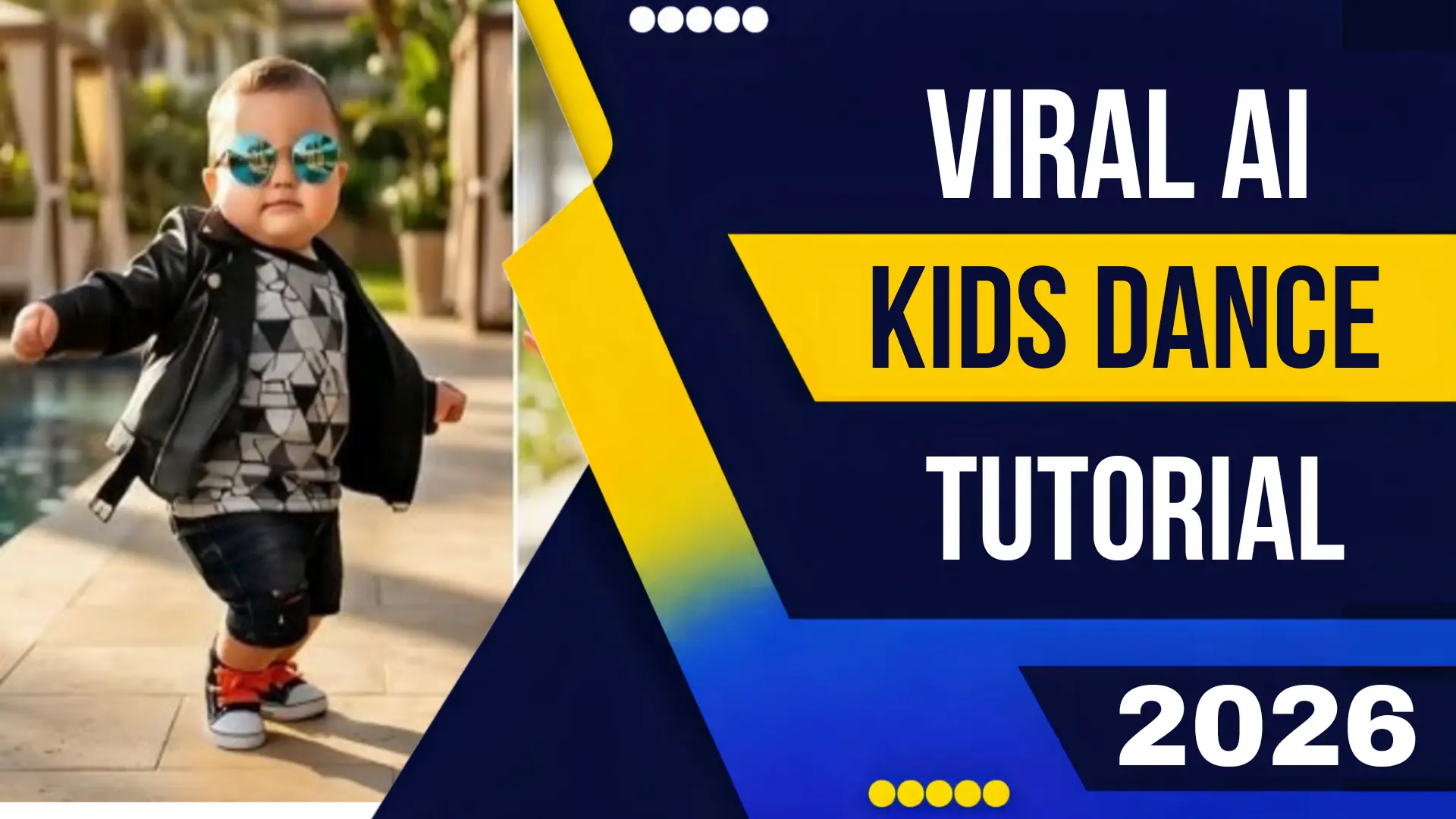
Viral Ai Kids Dance Video Tutorial 2026
If you have scrolled through TikTok, Instagram Reels, or YouTube Shorts in 2026, you have seen them: toddlers executing perfect choreography to the latest trending audio, groups of children performing synchronized routines in fantastical, impossible locations, or young dancers transforming into glowing, animated characters mid-move. These aren’t home videos. They are the latest phenomenon in digital content creation: AI-generated kids’ dance videos.
The intersection of artificial intelligence and family-friendly content has created a viral goldmine. The search for a Viral Ai Kids Dance Video Tutorial 2026 has exploded as creators, parents, and marketers realize the potential of this medium. But creating these videos requires a specific blend of technical knowledge, creative vision, and most importantly, ethical responsibility.
In this comprehensive tutorial, we will break down exactly how to create a safe, engaging, and shareable AI kids’ dance video using the latest tools of 2026, while navigating the complex landscape of child safety and digital consent.
Why “AI Kids Dance” is the Hottest Niche of 2026
Before diving into the tutorial, it’s essential to understand why this specific genre is dominating social media feeds.
-
The “Cute Factor” Multiplier: Children and babies are inherently engaging. When you combine that with the novelty of AI-generated animation and choreography, you create a dopamine hit that is almost impossible to scroll past.
-
Aspirational Entertainment: Parents love seeing what their children could look like dancing professionally. The AI allows for a fantasy version of childhood where every kid is a dance prodigy.
-
Technical Accessibility: The tools of 2026 have matured to the point where complex motion generation is no longer confined to Hollywood VFX houses. A creator with a smartphone and a vision can now produce studio-quality work.
-
Sound-On Culture: Dance is intrinsically linked to music. With trending audio tracks changing weekly, the dance video format is perfectly suited for rapid, trend-driven content creation.
The Core Technology: How AI Dance Videos Work
To master the Viral Ai Kids Dance Video Tutorial 2026, you need to understand the three primary methods of creation:
-
Method A: Motion Transfer (Pose-to-Video). You record a real person (often an adult dancer) performing a routine. The AI extracts the “skeleton” or pose data and applies that motion to a generated image of a child. The result is a child’s face and body performing the adult’s moves.
-
Method B: Text-to-Motion. You type a description: “A four-year-old boy doing the latest Fortnite dance move in a superhero costume.” The AI generates the video from scratch, creating both the character and the choreography based on its training data.
-
Method C: Video-to-Video Transformation. You record a real child (with consent) performing a simple dance. The AI then transforms the video, changing the outfit, the background, or even adding animated effects, while keeping the child’s likeness and movements intact.
For this tutorial, we will focus on Method A (Motion Transfer) and Method C (Transformation), as they offer the most control and the highest likelihood of virality.
Essential Tools for 2026
Here are the industry-standard platforms powering the current wave of Viral Ai Kids Dance Video content.
1. Runway Gen-4: The Motion Master
Runway’s latest model excels at Motion Transfer. Its “Pose-to-Video” feature is the industry benchmark.
-
Key Feature: “Motion Brush 2.0.” You can upload a reference video of a dancer, and the AI extracts the movement data with incredible precision, including finger movements and facial expressions.
2. Pika 2.0 (Dance Mode)
Pika has introduced a dedicated “Dance Mode” that is specifically optimized for choreography.
-
Key Feature: “Rhythm Sync.” You upload an audio track, and Pika generates dance moves that are rhythmically synchronized to the beat, even suggesting moves based on the genre of music.
3. HeyGen Interactive Avatar (For Kids)
HeyGen has launched a specific “Kids Avatar” model, trained on child-safe data.
-
Key Feature: “Expressive Young Avatars.” You can generate a photorealistic child character and then input motion data from a separate dance video. The lip-sync and emotional range are specifically tuned to appear natural for younger faces.
4. CapCut 2026 (The Final Polish)
As discussed in our previous guides, CapCut remains the go-to for finishing touches.
-
Key Feature: “Auto-Cut to Beat.” After generating your AI dance clip, CapCut can automatically edit the video to match the rhythm of the music, adding transitions and effects at the perfect moments.
Step-by-Step Tutorial: Creating Your Viral AI Kids Dance Video
Let’s combine these tools into a practical, actionable workflow.
Step 1: Concept and Sourcing (The Idea)
First, identify the trend. Use platforms like TikTok Creative Center or Exploding Topics to find the current top 3 trending songs or dance challenges.
-
Your Goal: Decide on a “hook.” Is it a toddler doing a breakdance move? A group of AI-generated siblings dancing in a futuristic city? The hook is what stops the scroll.
Step 2: Capture the Reference Motion (The Performance)
For Method A (Motion Transfer), you need a source video.
-
Find a Dancer: You can hire a dancer, use stock footage of dance, or (most commonly) use a publicly available video of the dance challenge you are targeting.
-
Quality Matters: Ensure the reference video has good lighting and the dancer is fully visible. The AI needs to see the whole body to extract the pose correctly.
-
Tool: Use a service like Pika 2.0 or Runway Gen-4. Upload your reference video. The AI will process it and extract the “skeleton” data. You will typically see a stick-figure version of your dance. This is the blueprint.
Step 3: Generate the Character (The Star)
Now, you create the “kid” who will perform the dance.
-
Tool: Open Midjourney V7 or HeyGen Kids Avatar.
-
Prompt: Be incredibly specific.
-
*”Photorealistic portrait of a cheerful 5-year-old girl with curly brown hair, freckles, wearing a sparkly rainbow unicorn t-shirt, soft studio lighting, front view.”*
-
Generate several options and pick the one with the most engaging expression.
-
-
For HeyGen Users: You can often skip this step and use their pre-generated library of diverse child avatars, which are already optimized for animation.
Step 4: Apply the Motion (The Magic)
This is the core of the Viral Ai Kids Dance Video Tutorial 2026.
-
Tool: Go back to Runway Gen-4 (Pose to Video module) or Pika 2.0 (Dance Mode).
-
Inputs:
-
Character Image: Upload the AI-generated image of the child from Step 3.
-
Motion Data: Link the reference dance video or skeleton data from Step 2.
-
-
Parameters: Adjust settings like “motion strength” and “consistency.” You want the AI to follow the dance moves closely but preserve the child’s facial features.
-
Generate: Hit generate. The AI will render a video of your AI-generated child performing the exact dance moves from your reference video. This usually takes 1-3 minutes depending on the length.
Step 5: Background and Environment (The World)
The generated video likely has a simple or neutral background. Let’s place them in a viral-worthy location.
-
Tool: Adobe Photoshop with Firefly 4 (Video mode) or Runway’s Generative Fill for Video.
-
Prompt: “Change the background to a vibrant, colorful candy land with giant lollipops and a chocolate river. The lighting should match the child’s current lighting (golden hour).”
-
The AI will seamlessly replace the background while keeping the dancing child perfectly integrated.
Step 6: Audio and Editing (The Polish)
-
Tool: CapCut 2026.
-
Import: Bring your final AI-generated dance video into CapCut.
-
Audio: Add the trending song. Use CapCut’s “Auto Beat Detect” to mark the key moments.
-
Enhance: Apply a color grade using our recommended “Trending Blackmagic Lut Free Download 2026” to give it a cinematic feel.
-
Effects: Add subtle sparkles, light leaks, or text overlays that pop up on the beat.
-
Export: Render in 4K at 60fps for maximum quality.
Step 7: The Viral Upload
-
Caption Strategy: Be transparent. Use captions like “AI Concept: What if this toddler was a dance prodigy? #AIArt #DanceChallenge” Transparency builds trust.
-
Timing: Post when your target audience (parents, young adults) is most active: evenings and weekends.
-
Engage: Reply to comments. The algorithm rewards engagement.
The Ethical Imperative: Child Safety in AI Video
This is the most critical section of any Viral Ai Kids Dance Video Tutorial 2026. The power to generate videos of children comes with profound responsibility.
The Golden Rules:
-
No Real Children Without Consent: If you are using Method C (transforming a video of a real child), you MUST have explicit, written consent from the parent or legal guardian. Do not use footage of children you find online.
-
Avoid Suggestive Content: Never generate children in poses, outfits, or situations that could be interpreted as inappropriate. If a dance move is too mature for a real child, it is too mature for an AI child.
-
Label Clearly: Always use platform-mandated labels for “Synthetic Content” or “AI-Generated.” This is not optional. It is the law in many jurisdictions and the policy of every major platform in 2026.
-
Respect the Spirit of Childhood: Keep the content joyful, playful, and age-appropriate. The goal is wholesome entertainment, not shock value.
Common Mistakes to Avoid
-
The Uncanny Valley: If the child’s face looks plastic or the movements are jerky, viewers will be repulsed. Use high-quality source images and ensure your motion data is clean.
-
Ignoring Trends: A beautifully made video set to old music won’t go viral. You must ride the wave of current audio trends.
-
Poor Audio Sync: If the dance doesn’t hit the beats, the video fails. Use CapCut’s auto-sync features religiously.
Conclusion
The ability to create a Viral Ai Kids Dance Video in 2026 is a superpower for content creators. It sits at the intersection of technology, art, and pop culture. By following this tutorial mastering motion transfer, generating compelling characters, and polishing with professional editing tools you can produce content that captivates millions.
However, never forget the weight of this power. The digital children you create should be ambassadors of joy, creativity, and innocence. Create responsibly, tag transparently, and dance into the future of content creation.